Aluminum Plasma Cutting: How to Read the Cut Chart
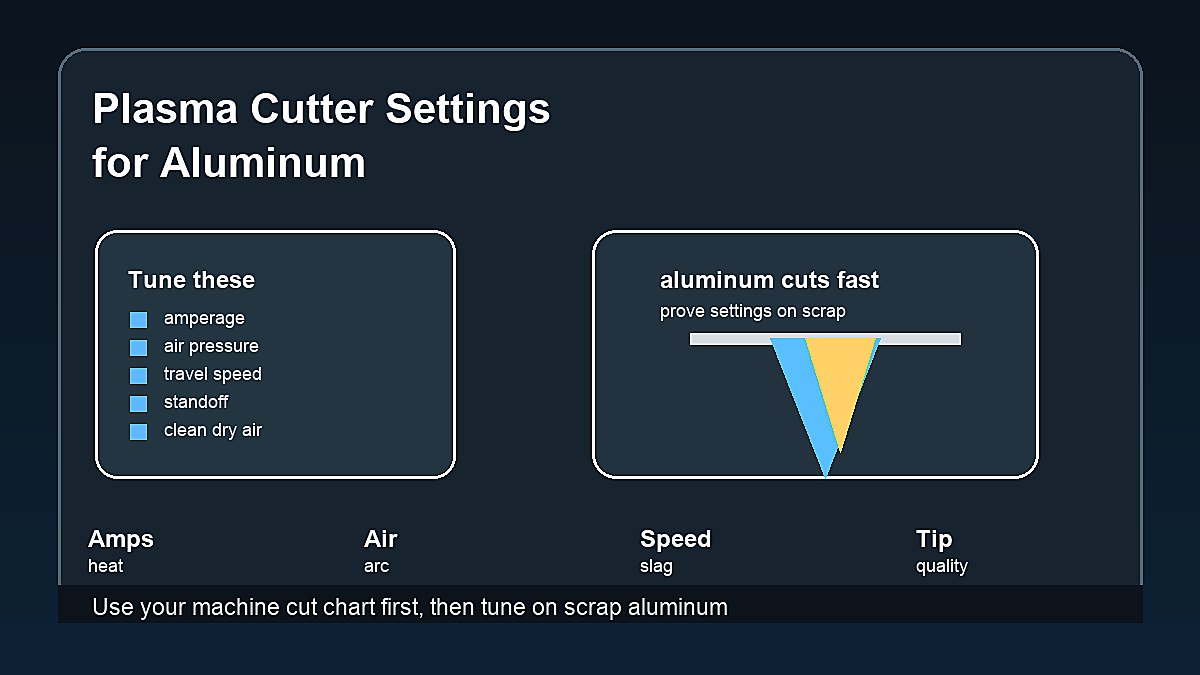
Find aluminum cutting settings in the chart for your exact power source, torch and consumable. Use the chart’s units for thickness, cutting speed and torch height.
Worked lookup: Hypertherm Powermax45 SYNC
Open the Hypertherm SYNC cut charts, document 810500MU. Select aluminum and the chart matching your cartridge and cutting method. For a 3 mm sheet, use the applicable thickness row and read its specified speed, height and other listed settings together. Hypertherm does not recommend FineCut cartridges for aluminum.
Before using the selected row
Confirm the actual cartridge, material thickness, gas and operating conditions against the Powermax45 SYNC operator documentation. If your setup does not match, find its own chart. Follow the manual’s precautions for aluminum and the cutting surface, including any restrictions involving water tables.