Best Welding Helmet for Sensitive Eyes: Features to Compare
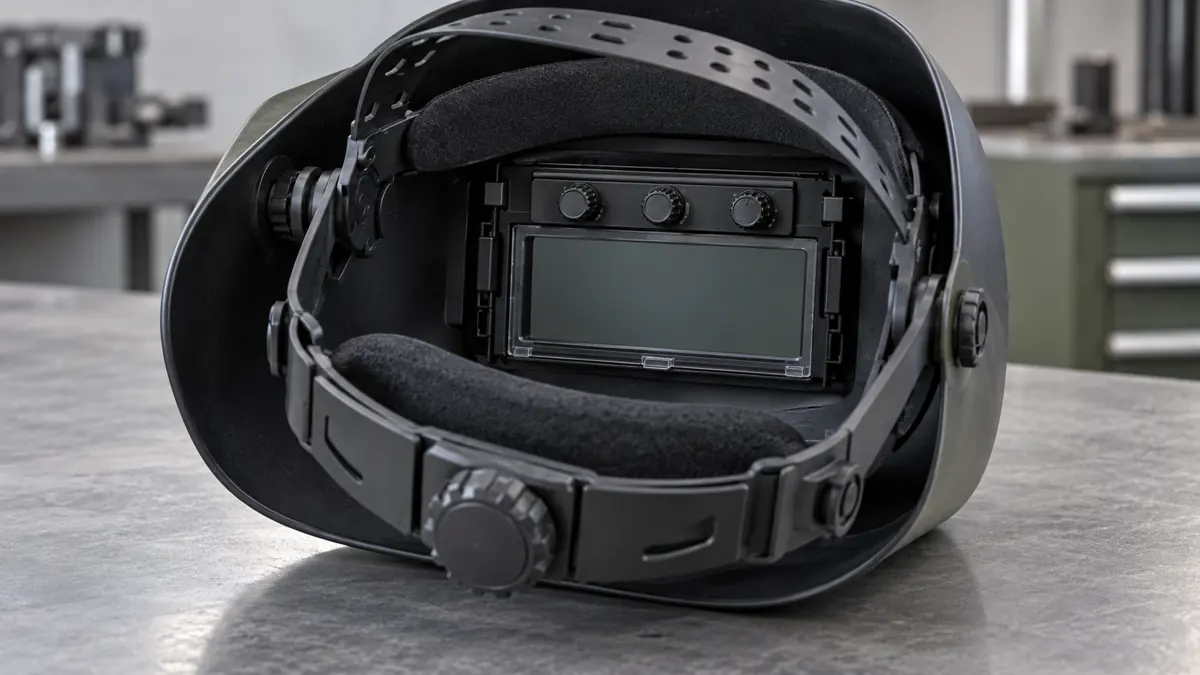
The best welding helmet for sensitive eyes depends on what you mean by sensitivity. For equipment comparison, look at the correct protective shade, reliable darkening, an adjustable opening delay and a fit that keeps the assembly in position. A helmet cannot diagnose or treat pain, light sensitivity or a change in vision.
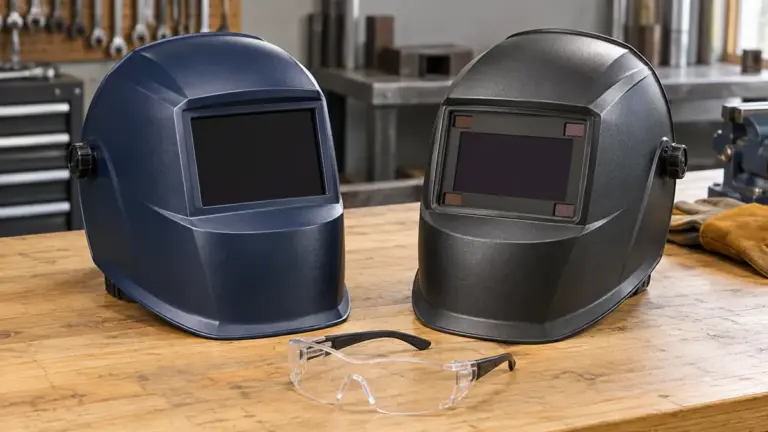
Two models worth comparing for specific controls are the optrel panoramaxx clt Black 1010.200, with a gradual dark-to-light opening function, and Miller Digital Infinity Black 296786, with half-shade adjustment and delay control. These are feature-based candidates, not clinically tested solutions for a medical condition.
Research basis: primary manufacturer information, American Academy of Ophthalmology guidance, NHS guidance and OSHA requirements checked October 15, 2026. WeldingPilot has not tested these helmets with people who have light sensitivity or measured their effects on symptoms.
Deal with symptoms before shopping
If welding causes pain, unusual light sensitivity, redness or blurred vision, stop the task and arrange appropriate medical assessment. Do not strike more arcs to see whether another shade fixes it.
The American Academy of Ophthalmology describes photokeratitis as an injury associated with UV exposure, including arc welding. Symptoms can include pain, tearing, blurriness and sensitivity to bright light. Those symptoms do not establish the cause on their own.
NHS eye-pain guidance recommends urgent assessment for eye pain with light sensitivity, vision changes, severe pain or a very red eye. Sudden symptoms, loss of vision, an eye injury or something stuck in the eye require immediate emergency care. Use the appropriate local service.
Record what happened, the equipment used and when you first noticed the symptoms. That information can help the clinician and the person reviewing the equipment. A symptom-free demonstration or a more expensive helmet does not prove that an existing problem has been resolved.
Understand the three controls that affect the view
| Control | What it does | What it does not do |
|---|---|---|
| Shade | Sets the dark protective viewing level within the filter’s range | Make a damaged or unsuitable assembly acceptable |
| Sensitivity | Changes how the auto-darkening system responds to arc and surrounding light, as described by its instructions | Measure or treat the wearer’s light sensitivity |
| Opening delay | Controls the return from dark to light after welding | Set the initial light-to-dark switching speed |
These controls answer different questions. If the bright return after stopping the arc is the equipment issue under review, examine opening-delay behavior. If the lens flickers during welding, stop and resolve the malfunction or setup problem before further use. Turning the delay dial is not a medical assessment.
optrel panoramaxx clt: evaluate the opening transition
The manufacturer’s Black 1010.200 listing identifies FadeTronic, sensitivity adjustment, a shade-2.0 light state, automatic dark levels 4–12 and manual levels 7–12. Keep it separate from other panoramaxx variants when comparing specifications.
Optrel describes FadeTronic as a controlled, gradual opening after welding. It is a feature to investigate if the transition back to a light state is your defined equipment concern. It is not evidence that the helmet treats photophobia or prevents symptoms in every wearer.
Check the exact supplied instructions for opening-delay settings, tack-welding use and the required protective range. If your work needs a shade outside that configuration’s range, choose equipment that covers the task. The GB product page showed “currently not available” during research, so confirm regional supply and support before planning a purchase.
Miller Digital Infinity: evaluate fine shade adjustment
Miller’s Digital Infinity Black 296786 page lists half-shade settings, delay control, sensitivity control and a shade-2.5 light state. The published welding shade range is 8–13; the cutting range is 5–8.
Half-shade steps let you compare finer adjustments within a suitable range. They do not make it acceptable to go below the task’s required protective shade. Ask to see how the controls operate while wearing your normal gloves, and confirm that you can identify the active mode and settings.
The page also lists AutoSense, which sets helmet sensitivity for the environment. That is an equipment function, not a measurement of your eyes. Follow the instructions for the supplied revision rather than copying another welder’s settings.
Choose protection before choosing a brighter view
OSHA’s eye and face protection standard requires filter lenses with a shade appropriate to the work. Its selection guidance starts dark and allows a lighter shade for a sufficient view without going below the minimum.
Compare the process, current and instructions using our welding lens shade chart. A shade-2 or shade-2.5 light-state figure describes the non-welding view; it is not the shade to use for the welding arc.
Do not stack random tinted lenses or wear ordinary sunglasses as a substitute for a specified welding filter. If an accessory changes the optical arrangement, get the exact approved component and instructions. Keep the required primary eye protection in place.
Check the existing helmet before replacing it
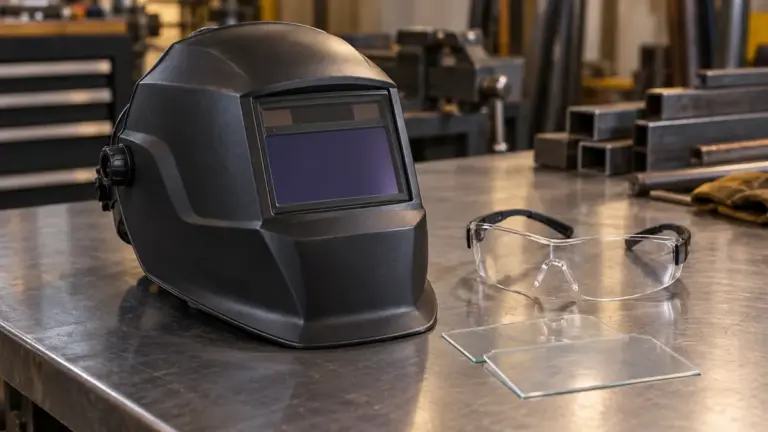
With the welding equipment off, inspect the helmet according to its manual. Check cover condition, filter retention, power supply, sensor cleanliness, mode and visible damage. Replace damaged protective plates with specified parts. Our lens-care guide covers the maintenance questions.
Review the working position as well. Does other equipment push the helmet out of place? Can you see the intended joint through the correct viewing area? Is a hand or fixture obstructing an arc sensor? Resolve those questions through the instructions and qualified support.
Use the manufacturer’s prescribed function check. A response to a household lamp does not establish protective performance under all welding conditions. Never test suitability by exposing unprotected eyes to an arc. An assembly with unreliable darkening should remain out of service until the issue is resolved.
A practical buying checklist
- Identify the exact process, current and protective range needed.
- Write down the equipment concern: opening transition, awkward controls, poor fit or another specific issue.
- Get the exact model, filter revision and applicable instructions.
- Compare shade steps, opening-delay behavior and mode indication.
- Check fit with the required eyewear and other PPE, with the equipment off.
- Confirm replacement covers, local service, availability and return terms.
Keep medical advice and equipment selection connected where necessary, but do not use a buying checklist to decide whether it is safe to work through symptoms. The useful purchase is one that addresses an identified equipment need after any health concern has been assessed.
Common questions
Should I turn sensitivity to maximum for sensitive eyes?
No universal setting follows from that description. The control adjusts the helmet’s response to light. Use the exact instructions for the process and environment, and have symptoms assessed separately.
Will a longer delay make the helmet darken faster?
No. Opening delay concerns the return to light after welding. It does not set the initial darkening speed. A lens that darkens late or behaves inconsistently needs investigation before use.
Is a passive lens the answer?
A passive lens has a different operating routine, but changing filter type does not diagnose the cause of discomfort. The correct shade, complete assembly, fit and use still matter.
Which model is best for a diagnosed eye condition?
These manufacturer specifications cannot answer that medical question. Discuss the condition and work with your eye-care professional, then select protective equipment that meets the task requirements and any relevant advice.