
Welding calculators turn known inputs into useful estimates for settings, material, consumables, time and cost. They can make planning faster, but an output is only as reliable as the measurements, units, assumptions and formula behind it.
This hub organizes calculator and chart topics for beginners. Use the results as a starting point alongside the machine manual, consumable data and an approved welding procedure. If you are new to the subject, review what welding is and compare the main welding processes before applying settings.
Welding Calculators and Reference Topics
Machine setting estimates
Setting tools may suggest an amperage, voltage or wire-feed range from process, material, thickness, joint and consumable inputs. Treat the result as a test starting point, not a guaranteed final setting. Machine design, position, fit-up, travel speed, shielding and technique change the outcome. Use the MIG Welding, TIG Welding or Stick Welding hub for process-specific context.
Electrode, wire and filler references
Rod and wire references can help compare diameter, classification, polarity, position and typical current ranges. They cannot determine suitability without the base metal, joint requirements and applicable procedure. Confirm every selection against manufacturer data and the beginner welding rod guide.
Material weight and cut planning
Material calculators commonly combine dimensions with density to estimate weight. Accurate units matter: inches cannot be mixed with millimeters, and nominal tube or pipe dimensions may not equal measured dimensions. Weight estimates help plan purchases, handling and project cost, but lifting and structural decisions require verified data and qualified engineering.
Weld length, consumable and cost estimates
A planning calculator may estimate weld volume, filler consumption, deposition time, gas use, labor and electricity. Real use changes with joint geometry, reinforcement, process efficiency, starts, stops, waste, repairs and operator technique. Keep assumptions visible so the result can be checked rather than presented as false precision.
Heat input and travel speed
Heat-input calculations often use current, voltage, travel speed and an efficiency factor. The correct method and units depend on the governing code or procedure. Beginners should not use a general web calculator to approve structural, pressure, vehicle, lifting or other critical welds. Use qualified procedures and inspection requirements.
Unit conversions
Useful conversions include inches and millimeters, feet and meters, pounds and kilograms, inches per minute and millimeters per minute, and cubic feet per hour and liters per minute. Carry enough precision during the calculation, then round only the final value to a level appropriate for the measurement.
How to Use a Welding Calculator Correctly
- Identify the process and material. Do not reuse MIG assumptions for stick or TIG without checking the formula and inputs.
- Measure instead of guessing. Confirm actual thickness, dimensions, joint type and units.
- Read the input labels. Diameter, radius, flow rate, travel speed and density are not interchangeable.
- Check the source. Compare the result with the machine chart, manual, consumable data or qualified procedure.
- Test on comparable scrap. For non-critical practice, make controlled adjustments one variable at a time.
- Inspect the result. Use the Welding Defects hub to understand visible symptoms and inspection limits.
Inputs to Record Before You Calculate
Record the process, base metal, measured thickness, joint design, welding position, consumable classification and diameter, polarity, shielding gas, voltage, current, wire speed and travel speed where relevant. For project estimates, also record weld length, joint cross-section, material density, labor rate and expected waste. The home welding setup guide helps identify machine, power and workspace constraints.
Limits, Safety and Technical Verification
A calculator cannot see contamination, poor fit-up, unstable power, damaged equipment, incorrect gas coverage or operator technique. A precise-looking answer does not prove weld quality. Review common beginner mistakes before changing settings and keep fire, fume, electrical, radiation and hot-metal controls in place during testing.
For standards and procedure context, consult American Welding Society standards and publications. For consistent unit definitions and conversions, use the NIST SI Units guidance. Applicable drawings, codes, specifications and manufacturer instructions take priority over general online estimates.
Latest Welding Calculator Guides
-
Welding Cost Calculator: Beginner Guide
Estimate welding job and per-item costs from materials, consumables, working time, overhead and optional markup with an interactive calculator.
-

Weld Deposition Rate Calculator
Calculate welding deposition rate from wire diameter, feed speed, material density, efficiency, and arc-on time with imperial and metric examples.
-

Weld Bead Size Chart
Beginner weld bead size chart covering bead width, height, profile, toe tie-in, common mistakes, inspection basics, and safety limits.
-

Advanced Weld Consumable Calculator
Learn how an advanced weld consumable calculator estimates filler metal, weld volume, deposition efficiency, waste allowance, and job quantity.
-
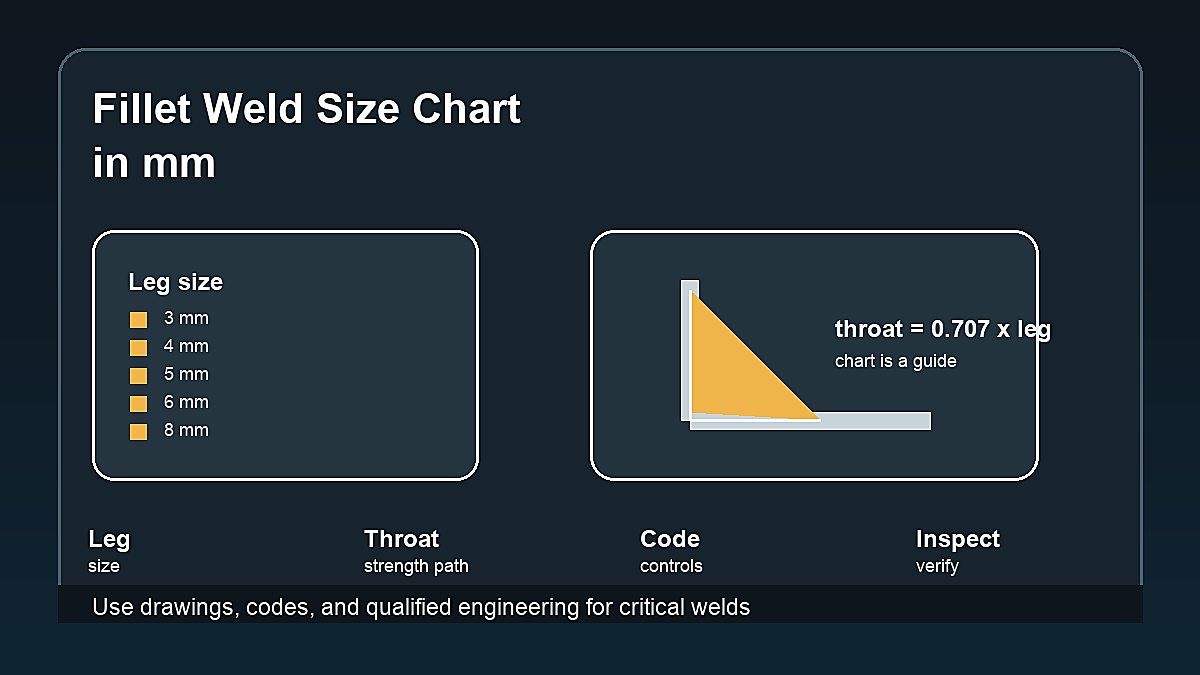
Fillet Weld Size Chart in mm
Beginner reference guide with a fillet weld size chart in mm, leg size, throat formula, drawing notes, inspection basics, and safety cautions.
-
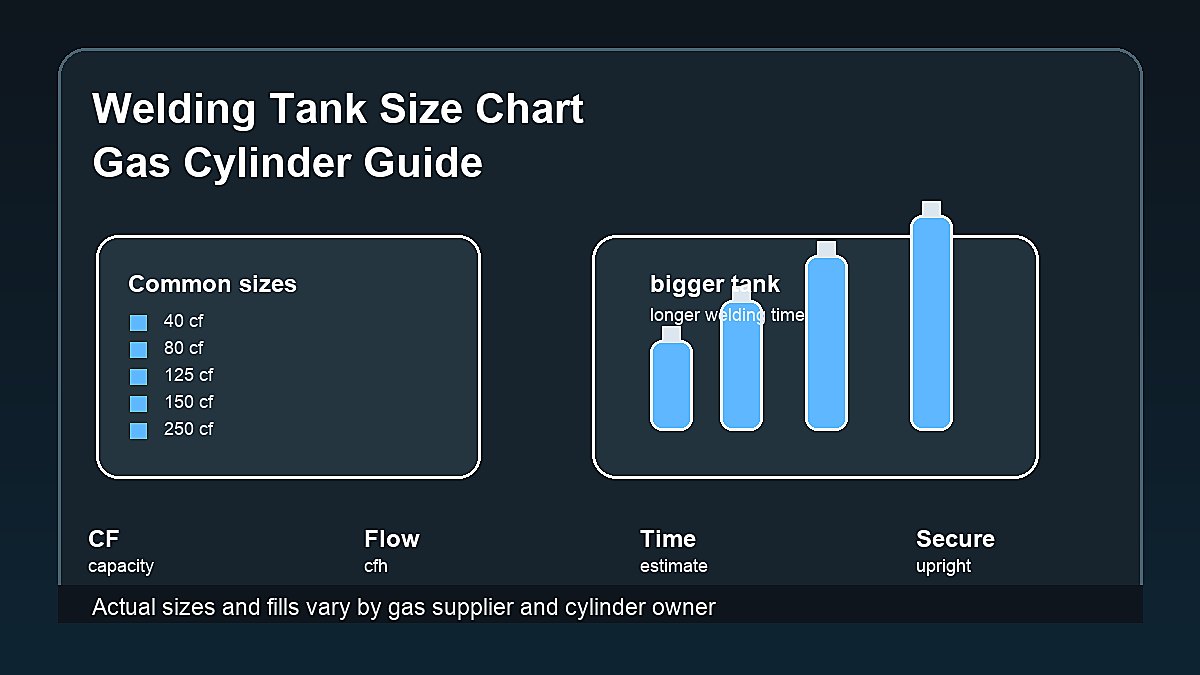
Welding Tank Size Chart
Beginner welding tank size chart for shielding gas cylinders, common cubic-foot sizes, run-time estimates, MIG/TIG gas use, and safety notes.
Welding Calculators FAQ
Are online welding settings calculators accurate?
They can provide useful starting ranges when the inputs and formula are appropriate. Confirm the result with the machine manual, consumable data and test welds on comparable scrap.
Can a calculator choose the correct welding rod?
It can narrow choices by diameter, position, polarity or current, but final selection also depends on base metal, strength, joint, service conditions and the applicable procedure.
Why do two welding calculators give different answers?
They may use different formulas, efficiency factors, rounding rules, units or assumptions. Review the method and source instead of comparing only the final number.
Can calculator results approve a critical weld?
No. Critical work requires the applicable code, qualified procedure, trained personnel and required inspection. A general calculator is a planning aid, not engineering approval.